January 27th, 2026

Gallery Update
Demo Account Requests
Website Update
Bug Fixes

Now Creative Gallery available for both Mobile and Desktop users. Also we’ve been given the mobile users the chance to submitting their images to the gallery.

Also added a “Copy“ button to copy the prompt easily in the side panel for the gallery area.

From now on, new users can request a demo account access to test the platform out before committing for a subscription.

For the Creator Club subscription, it now shows the 3 latest posts on the paid blog that I’ve already published, so you can get a better idea of what I’m offering there.
Gallery masonry alignment issue fixed
Drop menu fixes in Edit tool
Signing form fixed to respond to Enter key
January 13th, 2026
New
Improved

Gift Cards
New Model
Platform Improvements
That’s right! After along time of procrastinating, I finally made it.

From time to time, on our socials, giveaways, and the Aiunivers AI blog, we will be dropping gift cards randomly to claim credits. To redeem, go to your account settings and scroll down to the gift card section.
Since I’m a Saint, Here’s a 100 Credits code for the first 5 lucky reader of this Changelogs.
Gift Code: H8EKX8SN

Flux 2 Turbo model is now live on the Image generation tool and Edit tools for platform users and API version also now available for the developers.
Now, every new model is added to the platform, and popular or special models are tagged as “NEW” and “FEATURED,” respectively.
NEW:

FEATURED:


Old ‘mailto:‘ link have been replace with the new contact support modal, showing you all the options for best flexibility. You’re welcome!

Since almost all the love and care have been directed only to the AI platform, we decided to give some love to our API platform as well. We have redesigned the login and a few internal components.

We know some of you like to show off our platform and tools to your friends or colleagues, and in the process, you risk exposing your personal email to them. To protect your privacy, we have blurred your email in the profile menu and account settings by default. You can remove the blur by hovering over it.
January 5th, 2026
New
Improved
Fixed

Video Face Swap
Image Studio Filters
Bug Fixes

We now support both image and video face swaps. You can perform video face swaps on clips up to 60 Seconds in length, and we will be increasing this limit very soon.

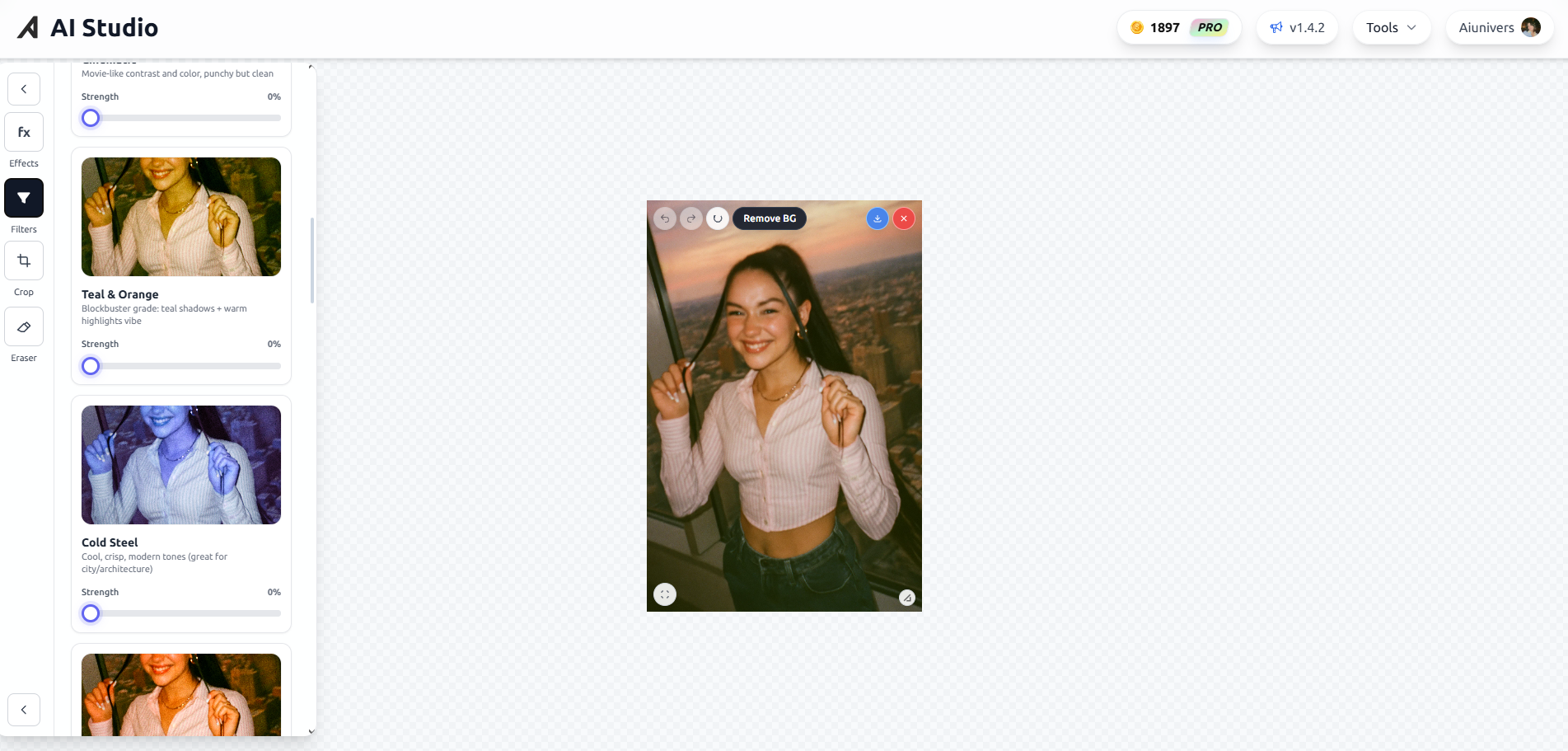
We removed the old low-performance filters and replaced them with a total of 20 new professional Photographic grade filters.
Portrait Clean
Portrait Warm
Portrait Matte
Cinematic
Teal & Orange
Cold Steel
Landscape Vibrant
Landscape Crisp
Nature Misty
Golden Hour
Vintage Film
Matte Fade
Vivid Pop
B&W Classic
Film Noir
Bleach Bypass
Street Grit
Film Porta
Neon Night
Sepia Classic
Drag & Drop in Image Studio fixed
GPU info toolip fixed
Blob size increased to lower the animation intensity
Missing models added to Submit to Gallery menu
January 1st, 2026
New
Improved
Fixed

User Profiles
Voice Cloning
New Models
UI Improvements
Bug Fixes


User profiles are now live! You can view any user’s profile and see their contributions to the Gallery by simply clicking on the username on any submitted image.
You can access the profile by clicking the username either at the bottom left corner of each image or at the top right corner in the full-screen view of an image.
To view your own profile, Go to Account Settings and click “View Profile” button.

Voice cloning tool now available on Aiunivers. Clone any voice by using a minimum of 5s voice clip with lightning fast.
We have added more new models to the platform
Bria Upscaler
Google Upscaler
Reve Remix for Character Maker
Qwen Image 2512
Qwen Image Edit 2511
All of them are available on our API.
New LoRAs added to QIEPNL in Edit tool.

We replaced the “You’re using“ section from an image in to a live blob patterns generator. Idk it seems cool to add that. So no further questions about that.
We have updated “How To Use” modals on every tool with detailed steps on how to use on every tool.
Cannot switch modes on Ask from AI without uploading an image fixed
Mobile UI fixed for Ask from AI tool
We had to remove ImagineArt model from both Image generation tool and Character maker tool due to model owners’ decision to either privatize or delete the model from public repos. As of now, the model is no longer available to use.
December 14th, 2025
Improved
Fixed

Edit Tool: Qwen NSFW LoRAs
UI Improvements in Ask from AI
Dynamic Price Adjustments for Advance Upscale

Added 3 new NSFW LoRAs for the default collection:
Aiunivers/qwen_nsfw_TG3_v2 (Better at everything)
Aiunivers/qwen-image-nsfw-v2
Aiunivers/qwen-image-nsfw-lightning-v2
You can choose the “Bring Your Own LoRA” option and paste your own LoRA ID from HuggingFace into the given field.


Now it indicates if you forgot to attach an image

Mode picker improved
Recently we upgraded the Advance Upscale model hardware to a cluster of H100’s to run jobs in parallel to avoid queues at peak hours. Here are the new Prices:
API: €0.08 - €0.8
2x Upscales: 5 Credits
4x Upscales: 15 Credits
6x Upscales: 30 Credits
This is experimental at the moment. We are tweaking the model pricing to make it as fair as possible. While we are working on it, the pricing will remain as described for a short while.
To counter this, we will be adding more upscale models from providers like Google and BriaAI in the coming days to give you a fair playing field. Basic Upscale prices will remain the same.
December 10th, 2025
New
Improved
Fixed

Christmas Theme
New AI Tool
Mobile UI Fixes
Old Model Deprecation
Legal Documentations Update
We’ve updated the app theme to fit for the Holidays. Go check it out!


Introducing the newest AI tool in Aiunivers, Ask From AI.
Now you can upload any image and ask about it or find object using the Object Detection mode. With this you can upload images and ask for it to generate perfect prompts or guidance on how to create your perfect AI image. There are tons of possibilities with it.
Very soon, we will be adding more LLMs to the tool. Current model can only be used with a mandatory image attachment since it’s a vision model. It only cost you 2 Credits per query. Hope you enjoy!

We fixed the footer issue. From now on, the footer won’t bother you when every time you scrolls down on any page of the platform. You’re Welcome!
We are removing old unused AI models. We need to free the cluttered model menu from old low quality unused model and we are staring from the Edit tool. As of now we only removed 1 model.
Standard Edit: From Edit tool
We’ve Updated all following Legal Documents on 09/12/2025
And also we have a new addition:
December 6th, 2025
New
Improved
Fixed

New models
Bug fixes

All 3 new Flux models now available to use via the API
Flux 2 Dev
Flux 2 Flex
Flux 2 Pro
Flux 2 models will not be added to the AI platform as of now due to their unclear pricing with reference image usage. As soon as BFL clear up the confusion, it’ll be up in no time on Aiunivers AI Platform.

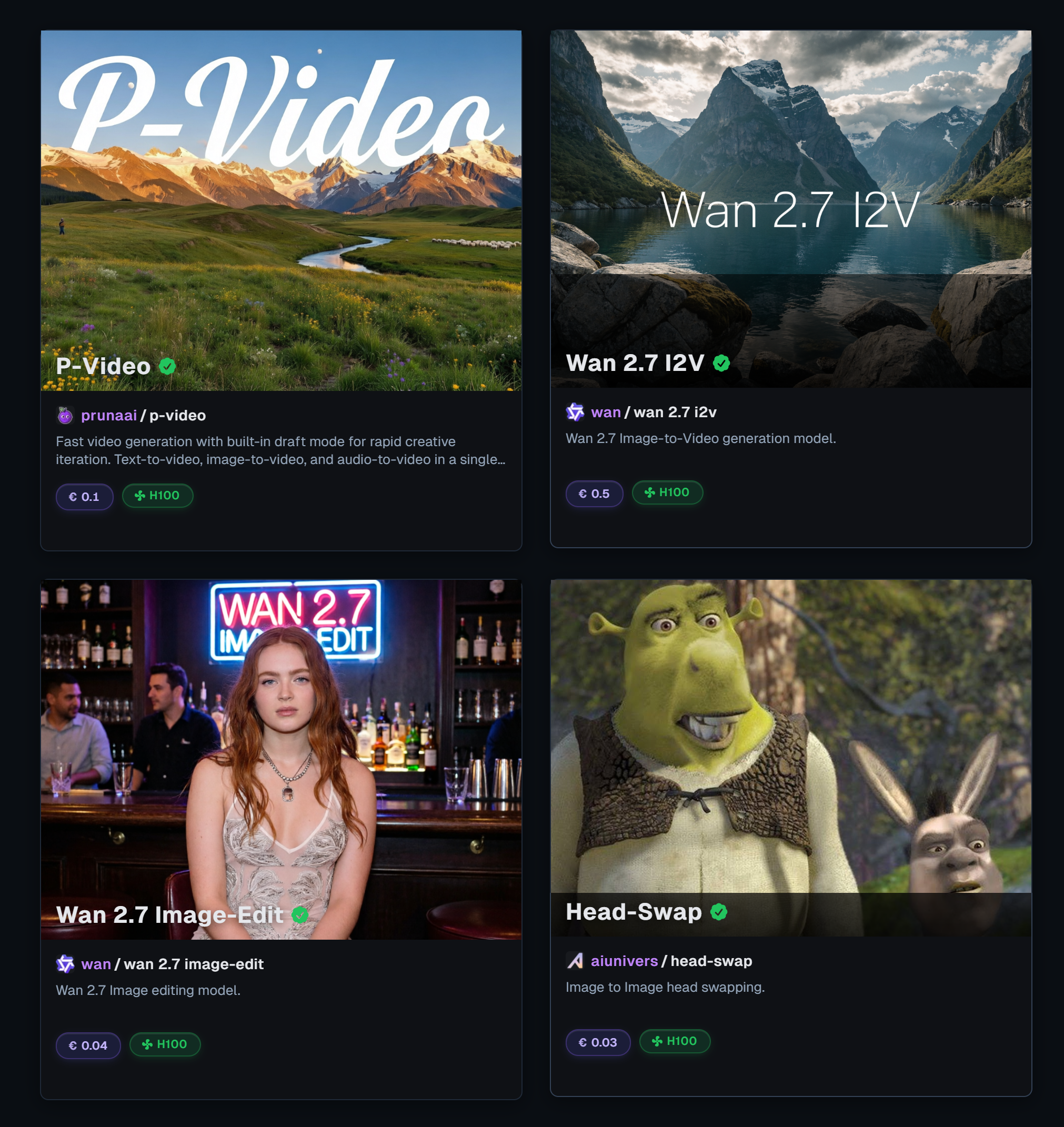
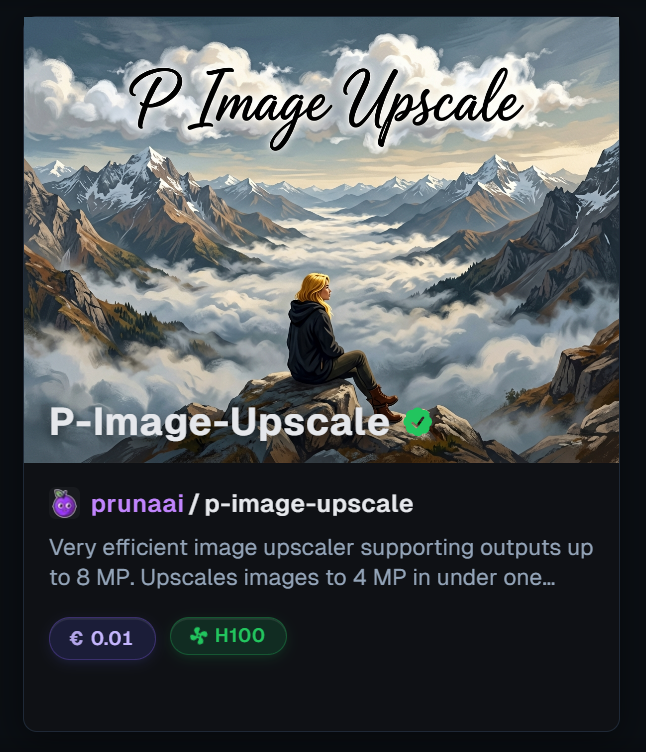
All 3 new PrunaAI improved image generation and image editing models are now live on our API and Z-Image Turbo in Image generation tool, P-Image Edit in Image edit tool is now live on our AI Platform.
Z-Image Turbo
P-Image
P-Image Edit
Z-Image Turbo and P-Image models are virtually the same. Since Z-Image Turbo cheaper than the P-Image, we decided to add only the Z-Image Turbo to the platform. We might add P-Image to the platform depending on it’s popularity.
LoRA Issue with QIEPNL

We made a huge error while making the backend part of this model. Since the release of this model, you may have noticed every LoRA you’ve used given the same generic outputs as the base model. Well, you weren’t hallucinating at all.
During the development cycle, we were testing the base model and the LoRA version of the model and we accidentally pushed the base model instead of the LoRA version. YIKES!
We wanted to apologies for this grave error and from now on, you can use the LoRA version of the Qwen model as it was intended. And we will be thoroughly checking the code before pushing to the production. Enjoy!
November 23rd, 2025
New
Improved

New Website Re-Design
New Models


New refreshed design for both our main website and api website.

We’ve added the refined Flux Schell model “Schnell Ultra“ for image generation tool and brand new Google’s Nano Banana Pro model to edit tool. Both models are available via the our API.
November 15th, 2025
New
Improved

New Models
New API Docs
API admin dashboard update

Reve Edit Fast & Qwen Image Edit Plus LoRA now live in both our platform and API.
In new Qwen model now you can bring your own LoRAs from Huggingface to use with the model or use our default Super NSFW capable LoRA. We already provided with trigger words for the LoRA and it will automatically disappear once you replace with your own LoRA.

To use the trigger words you can type them in or you can just click on them and it will automatically added in to your prompt.

New internal API documentation is now available for our API customers. You no longer need to rely on third-party services. Aiunivers is now an all-in-one ecosystem.

You can now just hover over an endpoint name and get the information about the endpoint model and by clicking on it will directly send you to the internal model docs for that model.
Side panel on main page styling changed
New Skeleton loaders for images in gallery
Updates button now automatically shows the latest version of the dashboard
November 9th, 2025
New
Improved

In-App tool tutorials
New Model

From now on, you won't need to leave the app to learn how a tool works. All the tutorials are now easily accessible directly within the app. Just click “How to Use?“

New AI model: Gemini 2.5 Flash Image now available on both API and Image Edit tool inside our platform. It’s basically Nano Banana with customizable aspect ratio settings.
Also we made some improvements and bug fixes that will smooth out your overall app experience. Hope you enjoy!